> For the complete documentation index, see [llms.txt](https://pathta.gitbook.io/pathta-docs/llms.txt). Markdown versions of documentation pages are available by appending `.md` to page URLs; this page is available as [Markdown](https://pathta.gitbook.io/pathta-docs/pathta-documentation/creer-une-source-de-donnees/postgresql-data-source.md).
# PostgreSQL data source
Data source
Lecture
Ecriture
Suppression
Nécessite un customer agent
PostgreSQL
true
false
false
true
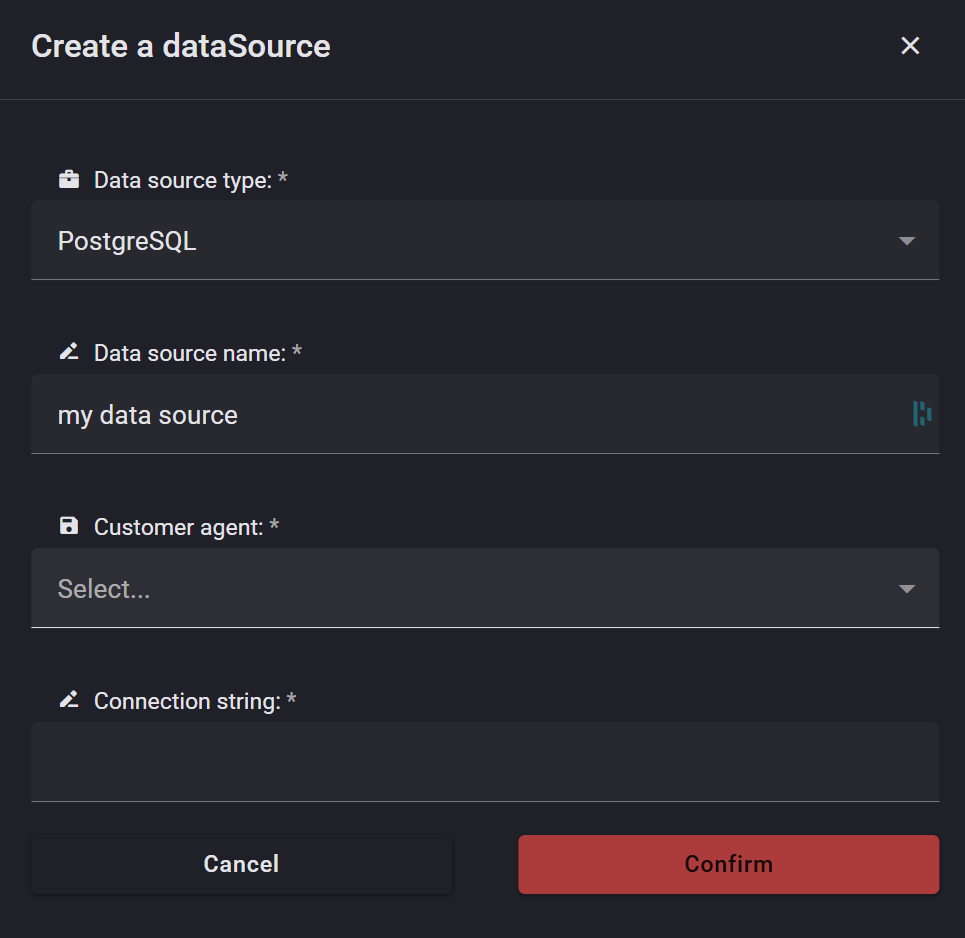
Il y a 3 champs à remplir :
1. **Data source name** : Choisissez un nom pour votre source de données : par exemple, « ma source de données Postgre »
2. **Customer agent** : Sélectionnez l'agent client installé sur la même machine que votre base de données PostgreSQL
3. **Connection string** : Sélectionnez la chaîne de connexion